


Description
These are the minimum requirements for installing Windows 11 on a PC. If your device does not meet these requirements, you may not be able to install Windows 11.
If you are unsure whether your PC meets these requirements, you can use the PC Health Check app to assess compatibility (requires Windows 10,
click here to download).
| Processor: | 1 gigahertz (GHz) or faster with 2 or more cores on a compatible 64-bit processor or System on a Chip (SoC) |
| RAM: | 4 gigabyte (GB) |
| Storage: | 64 GB or larger storage device Note: See below under “More information on storage space to keep Windows 11 up-to-date” for more details. |
| System firmware: | UEFI, Secure Boot capable |
| TPM: | Trusted Platform Module (TPM) version 2.0 |
| Graphics card: | Compatible with DirectX 12 or later with WDDM 2.0 driver |
| Display: | HD (720p) display greater than 9” diagonally, 8 bits per color channel |
| Internet connection and Microsoft account: | Windows 11 Home edition requires internet connectivity and a Microsoft account to complete device setup on first use.
Switching a device out of Windows 11 Home in S mode also requires internet connectivity. For all Windows 11 editions, internet access is required to perform updates and to download and take advantage of some features. A Microsoft account is required for some features. |
- 5G support requires a 5G capable modem.
- Auto HDR requires an HDR monitor.
- BitLocker to Go requires a USB flash drive (available in Windows Pro and above editions).
- Client Hyper-V requires a processor with SLAT capabilities (available in Windows Pro and above editions).
- Cortana requires a microphone and speaker and is available in selected countries.
- DirectStorage requires an NVMe SSD and a DirectX12 GPU with Shader Model 6.0 support.
- DirectX 12 Ultimate is available with supported games and GPUs.
- Presence requires a sensor to detect human distance or intent to interact.
- Intelligent Video Conferencing requires a camera, microphone, and speakers.
- Windows Hello requires an IR camera or fingerprint reader.
- Xbox (app) requires an Xbox Live account and may need Game Pass subscription for some features.
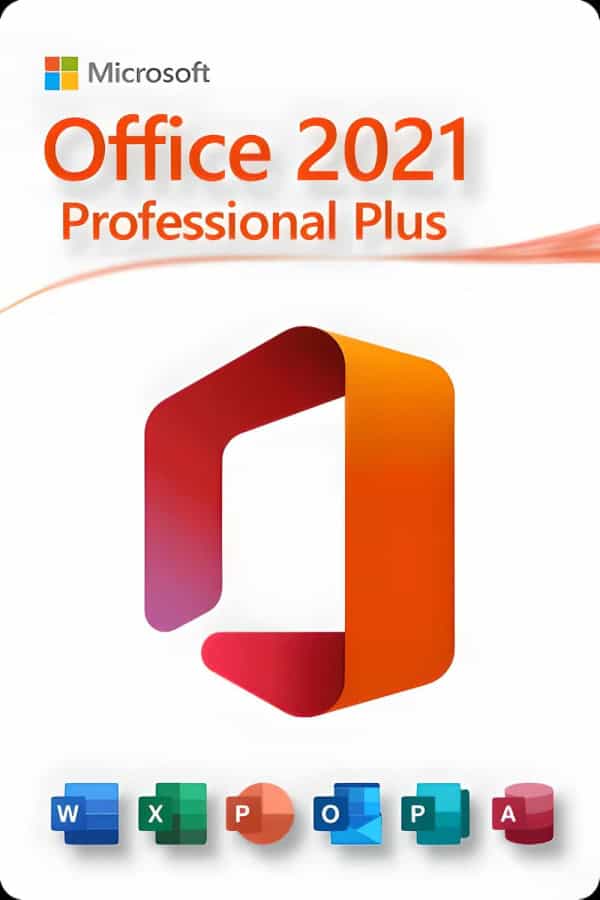
Microsoft Office 2021 Professional Plus
OneNote is available via the Windows Store for cloud-enabled notes. This suite is ideal for home office users and professionals who need a robust, reliable solution.
- Word: Create professional-quality documents quickly.
- Excel: Intelligent spreadsheets for information management.
- PowerPoint: Build dynamic, impressive presentations.
- OneNote: Digital notebook for your ideas.
- Outlook: Manage communication easily.
- Publisher: Layout creation for professional publications.
- Access: Database programming for browser-based apps.
- Skype for Business: Instant messaging and HD video conferencing. (separate download)
NOTE: Microsoft no longer bundles Teams with Office products due to a European Commission investigation.
You may download Teams here separately (free or paid license required).